Visibility
Large enough to read from bed without turning the interface into a giant phone screen.
PERSONAL ENGINEERING · HARDWARE · SOFTWARE · HUMAN-CENTERED DESIGN
Technical architecture + source notes ↓
A small problem at bedtime became a display on the wall.
A bedside glucose display built around one very ordinary moment: important information existed, but it was always one phone screen away.
THE ORDINARY MOMENT
At night, my girlfriend would sometimes ask me to hand her phone over so she could check her glucose. The information already existed. Dexcom was already collecting it. But the information was trapped inside a device that had to be reached for, unlocked, and checked.
That led to a simple question: what if the number was just visible?
This case study uses synthetic demonstration values only. No real glucose data is shown.


Sometimes the first engineering drawing is just a better question.
FROM IDEA TO OBJECT
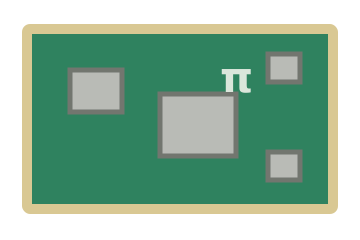
Coming up with the idea itself and coding it was one engineering problem. Installing the actual hardware together was another. I had to figure out how to make all of the pieces fit.


The biggest problems were yet to come
The physical object solved visibility. The next problem was deciding what the display should do.
THE SECOND HALF OF THE BUILD
The display became more than a large glucose number: it needed state logic, time-aware presentation, weather context, graph history, and a UI that could be understood from across the room.
function renderScene(glucose, trend, time, weather) {
  const state = classify(glucose, trend);
  const scene = compose({ state, time, weather });

  display.update({
    glucose,
    trend,
    history,
    scene
  });
}HOW THE PIECES TALK
REVISION CLOUDS
Large enough to read from bed without turning the interface into a giant phone screen.
Reduce visual activity at night while keeping the information useful and accessible.
Different glucose conditions needed to feel meaningfully different without becoming alarming or chaotic.
A bedside display only works if it behaves like an appliance instead of a development project.
Working software was not the finish line. Each failure became another mark on the drawing.
The drawing got quieter as the product got clearer.
A PUBLIC HARDWARE STUDY
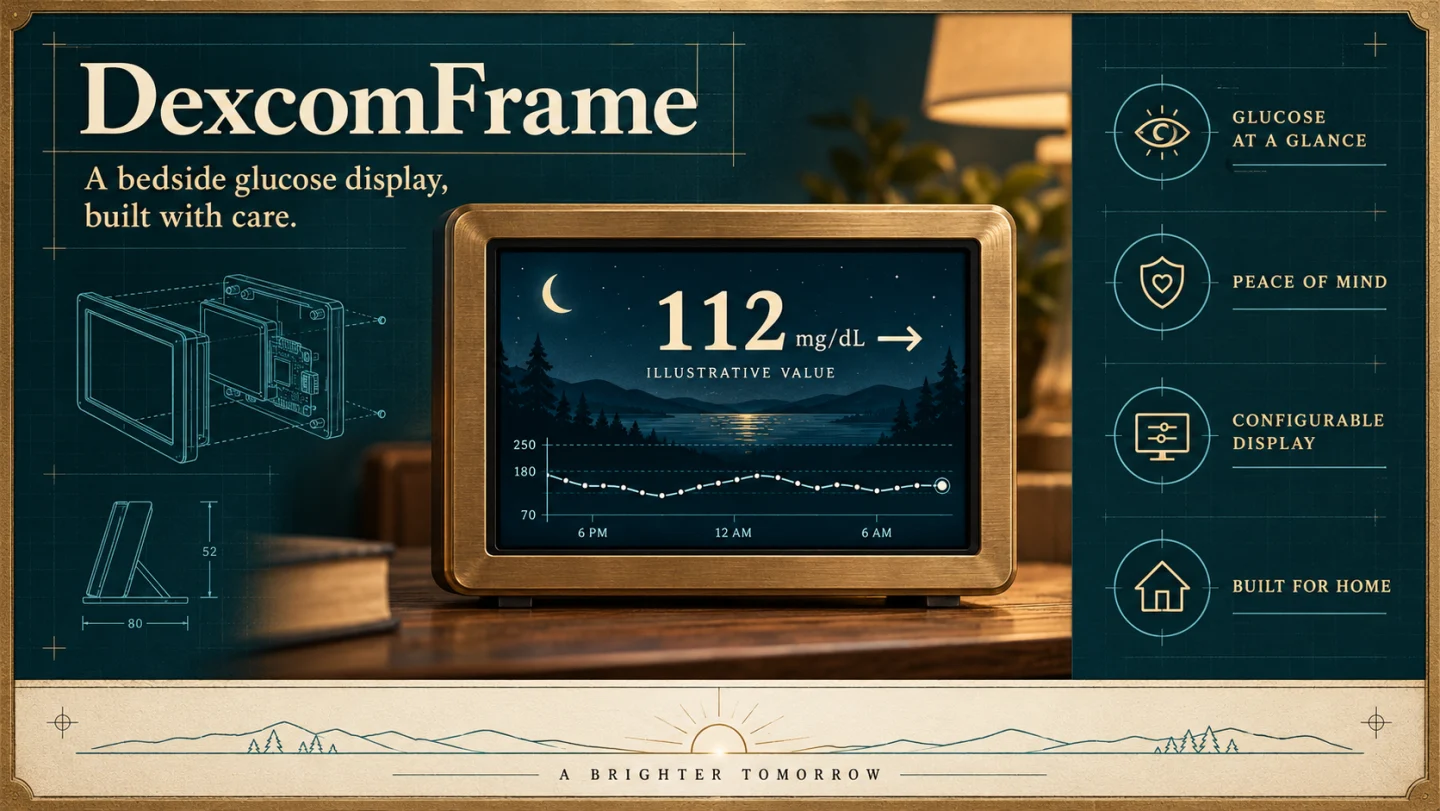
INTERACTIVE EXHIBIT · PORTFOLIO EDITION
This simulator reuses real presentation assets from DexcomFrame project files. Glucose is synthetic. Live weather is optional through the controls. Personal modules, menus, audio, device controls, and private data are not included in this build.



SIMULATION CONTROLS
The controls are outside the device intentionally. The public simulator has no hamburger menu or access to private DexcomFrame modules.
BACK TO THE ORIGINAL PROBLEM
The project started with a tiny inconvenience. The interesting part wasn't making a Raspberry Pi display—it was noticing that the inconvenience was a design problem in the first place.
That's the part of engineering I tend to carry with me outside of work: seeing systems, noticing friction, and wondering whether something could work a little better.
SYSTEM DESIGN / DEXCOMFRAME
The hardware makes the information visible. The software has to explain whether that information is current. Those are separate engineering problems.
The reviewed Node.js service uses a persistent Python Share bridge. The older Flask OAuth server is a separate sandbox experiment.
Browser JavaScript selects reading, trend, freshness, weather and nighttime presentation. A stale state must stay distinct from an ordinary reading.
The kiosk interface renders the display. A separate PiDex companion project provides cloud synchronization work; it is not connected to this portfolio.
| Area | Evidence status | What the source supports |
|---|---|---|
| Interface states | Observed in local source | Normal, high, low, urgent-low, falling-fast, stale and night-related scene logic. |
| Hardware + weather | Observed in local source | Raspberry Pi display, touch controls and weather-aware presentation. Desktop source and device runtime may differ. |
| Reliability work | Open engineering concern | A prior source review records timestamp validation, timer ownership and acquisition caching as work needing attention. No reliability certification is claimed. |
The most consequential design choice is to keep acquisition, freshness, and visual mood separate. A reassuring scene should never substitute for a valid timestamp. Consolidating polling and preserving original sample time are sensible next steps, subject to validation in the application itself.
Edit the highlighted copy directly on the page. Your revisions are stored only in this browser.